Build the Future,
Line by Line
Hands-on STEM education designed for the next generation of innovators. Choose from Scratch, Microbit Computing, Microbit Robotics, and Artificial Intelligence pathways for young creators.
Choose the right pathway for your child
Each pathway is practical, project-based, and designed for school students who learn best by building real things with technology.
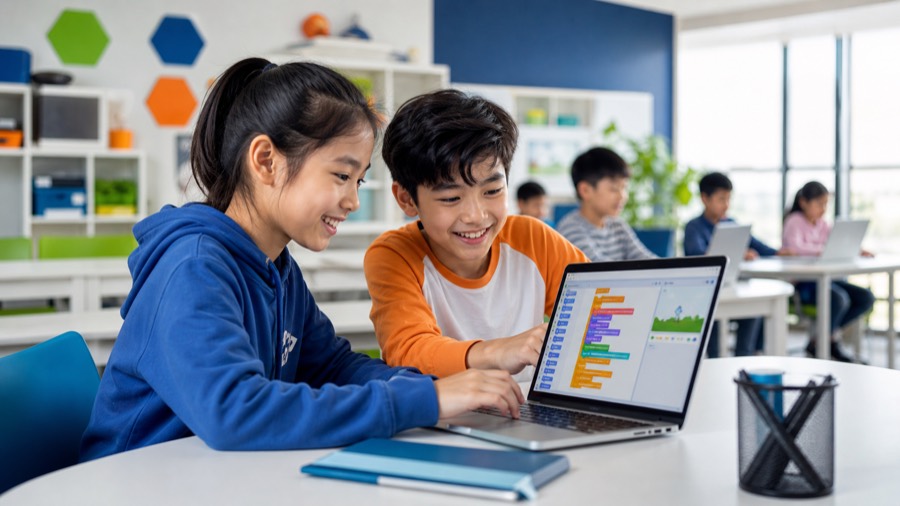
Scratch Programming
A playful visual-programming course where children learn coding logic by arranging blocks, designing characters, and creating interactive games.
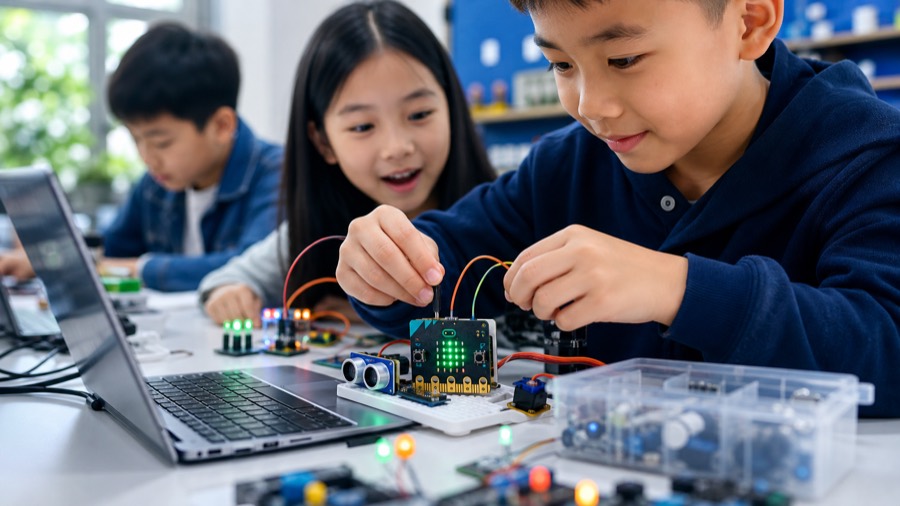
Microbit Computing
A hands-on computing course where students connect code with LEDs, sensors, sounds, buttons, motion, and real-world input.
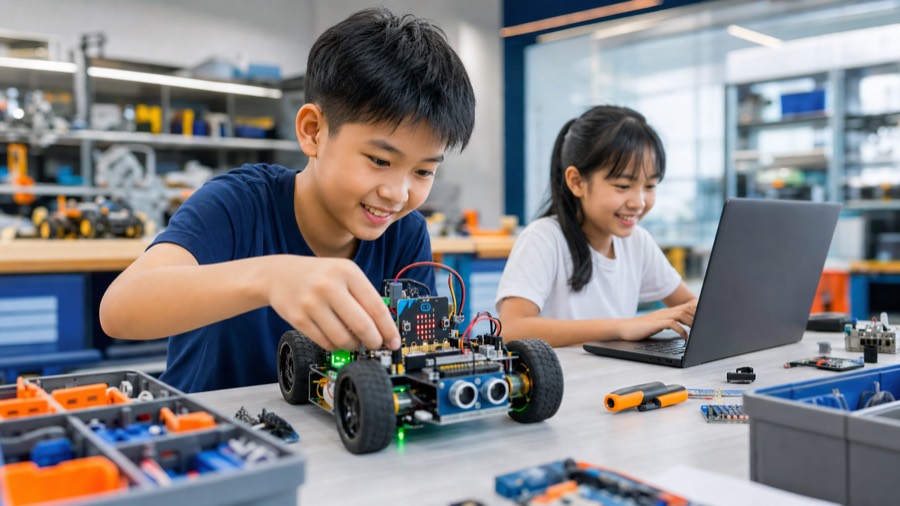
Microbit Robotics
A robotics pathway where students program motors, sensors, robot cars, smart systems, and automation projects using Microbit-powered hardware.
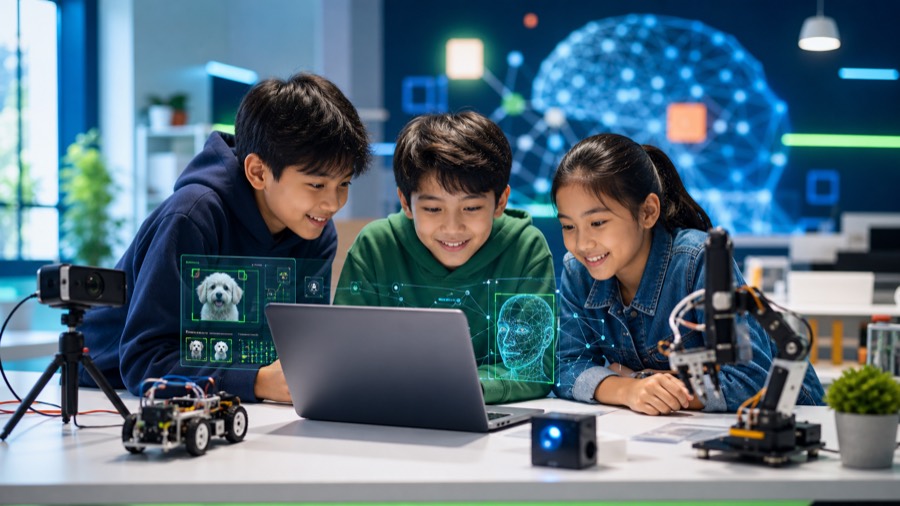
Artificial Intelligence (AI)
A beginner-friendly AI course using PictoBlox, helping students explore computer vision, speech, text, translation, and machine learning ideas.
Scratch Programming
A playful visual-programming course where children learn coding logic by arranging blocks, designing characters, and creating interactive games.
9-12 years old
20+ projects
Program overview
- check_circle Kids develop problem-solving skills by arranging visual blocks in Scratch.
- check_circle Students learn coding basics like loops, variables, events, and conditions through a block-based interface.
- check_circle Children express creativity by creating interactive stories, games, greeting cards, quizzes, and simulations.
What parents can expect
Project examples
Students build a wide range of practical and creative projects as they progress.
- arrow_right Scratch and catch the bus
- arrow_right Silly eyes
- arrow_right Catching game
- arrow_right Balloon pop
- arrow_right Grow a dragon fly
- arrow_right Brain game
- arrow_right Catch the dot
- arrow_right Don't fall in
- arrow_right Maze escape
- arrow_right Guess the flag
- arrow_right Soccer champ
- arrow_right Boat race
- arrow_right Flappy alley
- arrow_right Snake game
- arrow_right Bow and arrow
- arrow_right Scratch paint shapes
- arrow_right Gravity simulator
- arrow_right Airplane shooter
- arrow_right Language translator
- arrow_right Math quiz
- arrow_right Animated greeting card
- arrow_right Destroy asteroids
- arrow_right Car racer
Microbit Computing
A hands-on computing course where students connect code with LEDs, sensors, sounds, buttons, motion, and real-world input.
9-12 years old
20+ projects
Program overview
- check_circle Microbit makes coding hands-on and fun, allowing children to actively engage in programming.
- check_circle Kids connect Microbit to sensors and LEDs, exploring the interaction between code and hardware.
- check_circle Students build creative projects that strengthen problem-solving through practical exploration.
What parents can expect
Project examples
Students build a wide range of practical and creative projects as they progress.
- arrow_right Introduction to Microbit and LED
- arrow_right Flashing heart and shining sunbeam
- arrow_right Data types string - Name Tags
- arrow_right Data types - Number game counter
- arrow_right Inputs - Smiley buttons
- arrow_right Variables I - Voting Machine
- arrow_right Variable II - Digital Wallet
- arrow_right Conditions I - Coin Flipper
- arrow_right Hack headphones
- arrow_right Light sensor - Morning Alarm
- arrow_right Sound sensor - Clap Lights
- arrow_right Temperature sensor - Weather Display
- arrow_right Accelerometer I - Step Counter
- arrow_right Accelerometer II - Rock, paper and scissors
- arrow_right Compass sensor I - Where is North?
- arrow_right Compass sensor II - Simple Door Alarm
- arrow_right Microbit Maze Game
- arrow_right Mathbot
- arrow_right Dancing steps
- arrow_right Animation I - Animal
- arrow_right Animation II - Flashing Emotion
- arrow_right Music - Musical Rhythm
Microbit Robotics
A robotics pathway where students program motors, sensors, robot cars, smart systems, and automation projects using Microbit-powered hardware.
9-12 years old
20+ projects
Program overview
- check_circle Microbit robotics provides a user-friendly platform for kids to program robots with confidence.
- check_circle Students gain hands-on experience integrating motors and sensors into Microbit-powered robots.
- check_circle Kids design and program unique robot behaviours while learning how code controls real-world movement.
What parents can expect
Project examples
Students build a wide range of practical and creative projects as they progress.
- arrow_right Conductivity tester
- arrow_right LED blink
- arrow_right Touch detection LED
- arrow_right Button control LED
- arrow_right Clap the LED
- arrow_right Traffic lights
- arrow_right RGB colours
- arrow_right RGB random colours
- arrow_right Automatic street light
- arrow_right Servo motor control
- arrow_right Surprise box
- arrow_right Water detection system
- arrow_right Mini tablefan
- arrow_right Microbit robot car
- arrow_right Light following robot
- arrow_right Distance range finder
- arrow_right Smart dustbin
- arrow_right Autonomous car
- arrow_right Automatic barrier gate
- arrow_right Line following robot
- arrow_right Automatic plant watering system
- arrow_right Temperature monitoring system
- arrow_right Home automation
Artificial Intelligence (AI)
A beginner-friendly AI course using PictoBlox, helping students explore computer vision, speech, text, translation, and machine learning ideas.
9-12 years old
20+ projects
Program overview
- check_circle PictoBlox combines block coding, AI tools, and real-world STEM applications in one easy-to-use learning environment.
- check_circle Students create projects using artificial intelligence concepts without needing to type complex code.
- check_circle Young learners snap together colourful blocks to build robots, animations, games, and AI-powered applications.
What parents can expect
Project examples
Students build a wide range of practical and creative projects as they progress.
- arrow_right Face detection
- arrow_right Object detection from camera
- arrow_right Object detection from image
- arrow_right Human body detection
- arrow_right Finger tracking
- arrow_right Air draw
- arrow_right Clown maker
- arrow_right Body parts counter
- arrow_right Smart home
- arrow_right Synonym and antonym converter
- arrow_right Pose detection
- arrow_right Image classification
- arrow_right Computer vision
- arrow_right Landmark recognition
- arrow_right Text recognition
- arrow_right Speech recognition
- arrow_right ChatGPT
- arrow_right Recognition card
- arrow_right Text to speech
- arrow_right Translate
- arrow_right Automatic door unlocking system
- arrow_right Transform words to emojis
- arrow_right Self driving car simulator
- arrow_right Machine Learning (ML)
- arrow_right Google teachable machine
Not sure where to begin?
A simple rule of thumb: choose Scratch for first-time coding, Microbit Computing for hands-on electronics, Microbit Robotics for moving builds, and AI for students curious about smart technology.
For creative beginners
Start with Scratch Programming to build coding confidence through games and stories.
For hands-on learners
Choose Microbit Computing or Robotics to connect programming with sensors, LEDs, motors, and smart systems.
For future-tech curiosity
Artificial Intelligence introduces recognition, speech, translation, and machine learning concepts in a visual way.
Need help choosing?
Talk to us and we will recommend a suitable starting point for your child.
Contact Us arrow_forwardWhy Our Curriculum Works
We combine academic rigour with professional industry standards to deliver lasting impact.
Industry-Aligned
Lessons built using tools and frameworks used by tech giants like Google and Meta.
Expert Mentors
Our instructors are active developers and educators passionate about inspiring kids.
Project-Based
Every module ends with a tangible project added to the student's personal portfolio.